
If you want to check your electricity bill from Manila Electric Company (Meralco), follow these exact steps.
Step 1: Go to the Meralco Platform
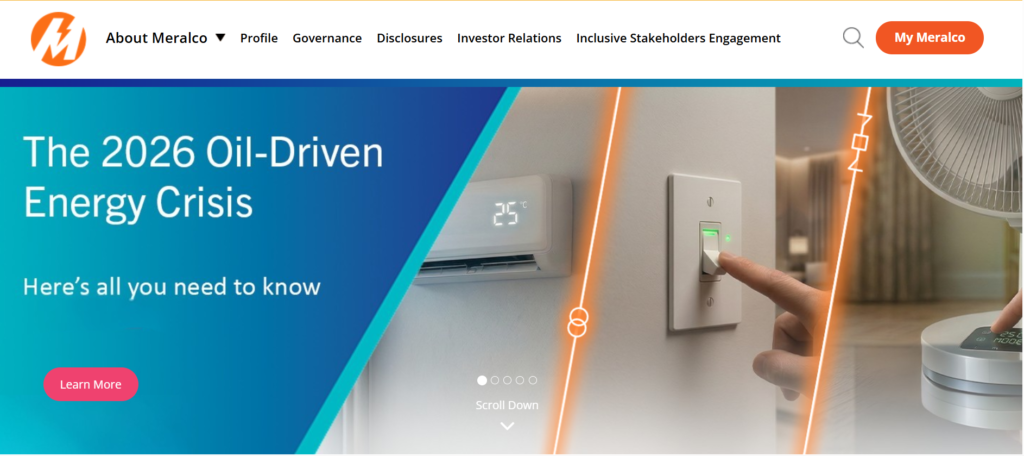
Open your browser and go to the official My Meralco website, or launch the My Meralco App on your phone.
Step 2: Log Into Your Account
Enter your email address and password, then click Login.
- If you don’t have an account, click Create Account
- Enter your details and link your Meralco Service ID (found on your bill)
- Complete registration, then log in
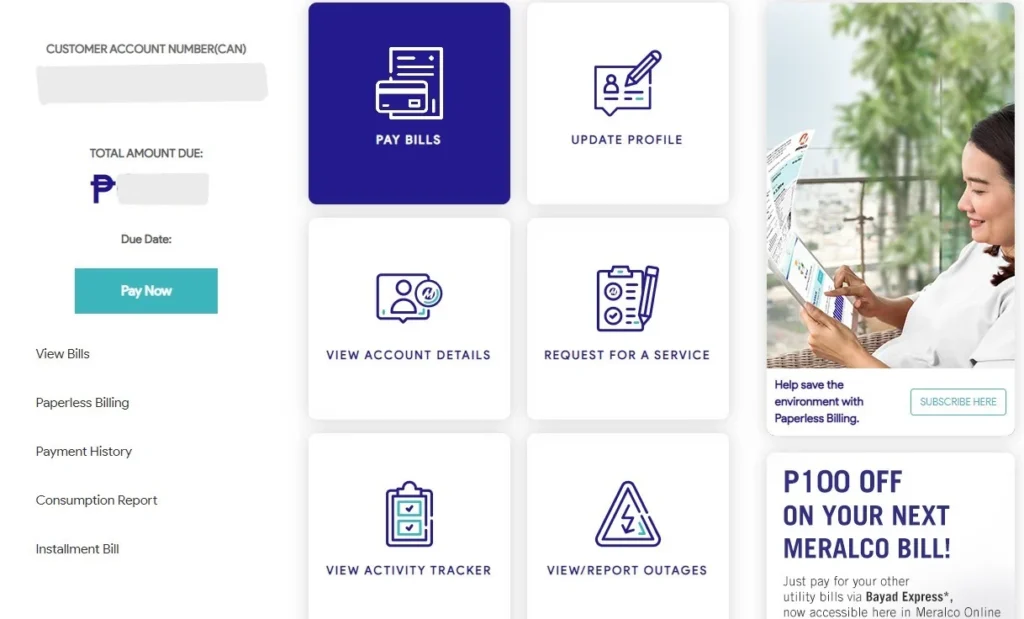
Step 3: Go to Your Dashboard
After logging in, you’ll land on your account dashboard automatically.
Step 4: Open Your Bill
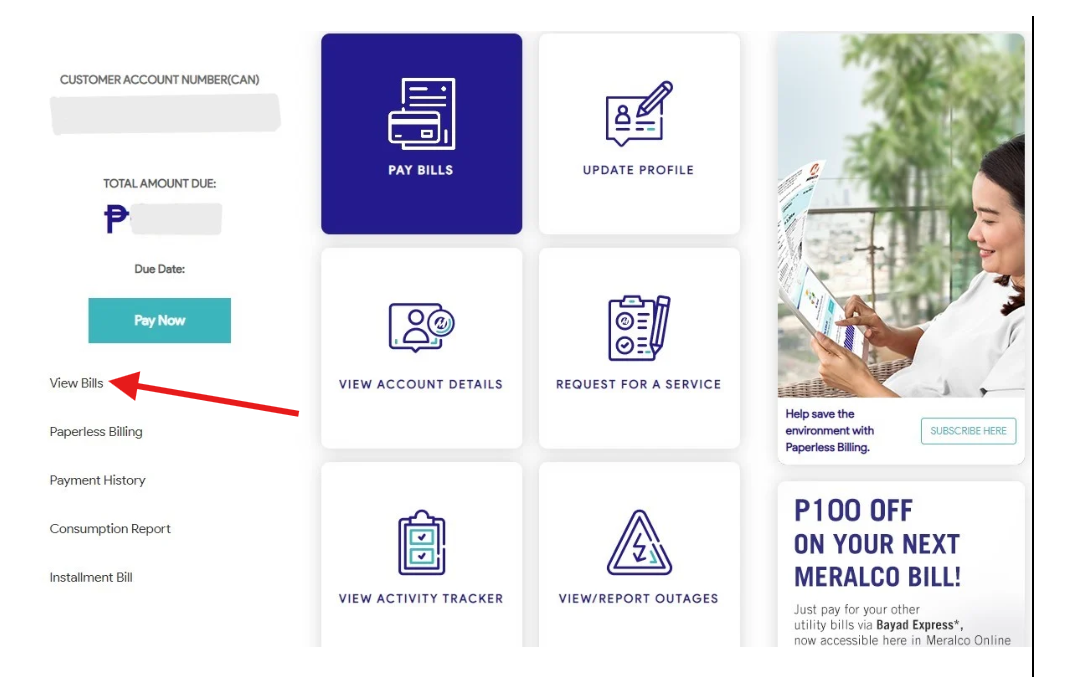
Look for the “Bills” or “View Bills” section and click it.
You will immediately see:
- Your current bill amount
- Due date
- Account balance
Step 5: Check Full Details
Click on the latest bill to open it.
Here, you can:
- See your electricity consumption
- View charges breakdown
- Check previous bills (up to 13 months)
Step 6: Download or Print (Optional)
Click Download if you want a copy, or Print if needed.
Step 7: (Optional) Pay Your Bill
If you want to pay immediately:
- Click Pay Bills
- Select your bill
- Choose your payment method
- Confirm payment
You’ve successfully completed your Meralco online bill inquiry using My Meralco.
If your bill isn’t showing yet, check again later—Meralco usually uploads it within a day after meter reading.